
Rebranding
your name, your colours.
Name, colours, home page copy, legal pages and the domain are settings in the Admin console. No code change and no build step.
01Admin → Brand
| Field | Where it shows |
|---|---|
| Product name, tagline | Header, footer, messages and the embed badge. Default: Receipts, "Signals with receipts." |
| Accent colour (dark theme), accent colour (light theme) | One colour themes the whole site, including soft backgrounds and button text. Green and red stay fixed: they mean up and down. |
| Logo | The mark next to the name in the header and sidebar. |
| Support email | The support contact shown to members. |
| Custom CSS | Appended after the stylesheet on every page, e.g. :root{--r:6px}. |
02Walkthrough: your name and colour in two minutes
- Open BrandSign in to the Admin console at
/adminas owner or manager and open Setup → Brand. - Change three fieldsProduct name (for example Acme Signals), tagline and the accent colour (for example
#F97316). Upload a logo if you have one. - SaveThe site picks the values up at once; reload any open page. No restart and no build.
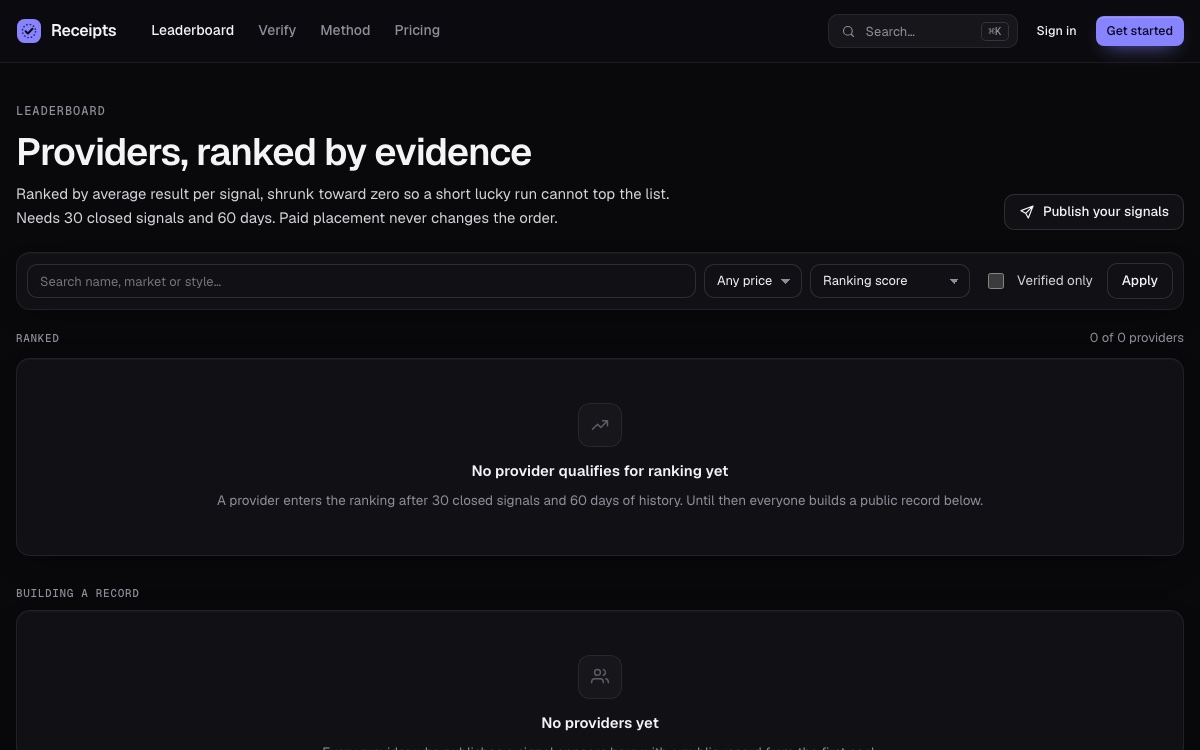
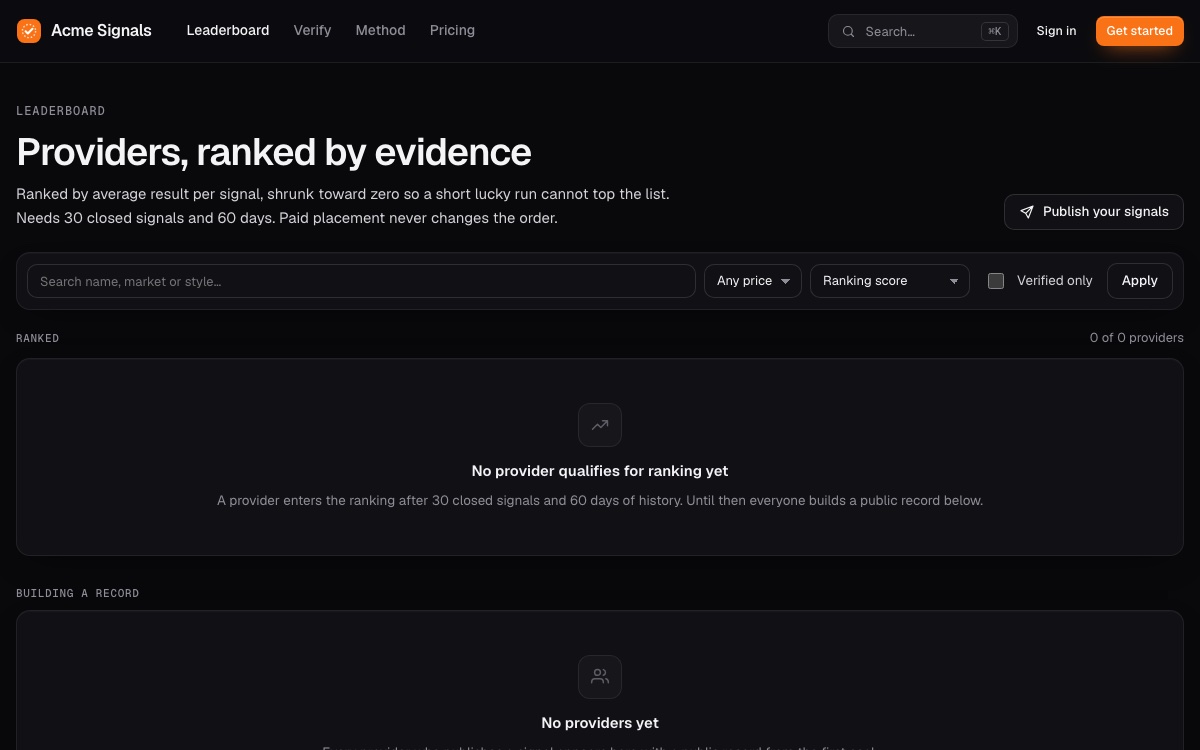
#F97316, saved in Brand. Nothing else was changed.03Change a page in the code
Everything a setting cannot change lives in a few files. Edit them, then run pnpm build and restart (Installation).
| What you see | File |
|---|---|
| Header, footer, sidebar and the shared page layout | src/web/ui.tsx |
Home page, leaderboard (/providers) and provider profiles | src/web/public.tsx |
| Verify, Method, Pricing, Terms, Privacy and error pages | src/web/pages.tsx |
A signal's receipt (/r/…) | src/web/receipt.tsx |
| Sign-in and sign-up, feed, notifications, account, portfolio, referrals | src/web/members.tsx |
| Provider Studio (publish, plans, analytics, earnings, connect, signing) | src/web/studio.tsx |
| Checkout | src/web/checkout.tsx |
| Operations pages (payments, providers, members, signals, ledger, payouts, anchors) | src/web/ops.tsx |
| Colours, spacing, fonts and every component style | public/app.css (the variables at the top) |
Commit the untouched release on its own branch first, so the next update is a merge instead of a rewrite (How to update).
04Home page, FAQ and announcement
- Home page and FAQ: headline (the last word is set in the accent serif), intro text, search description, FAQ blocks.
- Access → Announcement banner: one line at the top of every page.
- Legal: terms and privacy URLs, or plain text for
/termsand/privacy(a blank line starts a paragraph); the disclaimer. - Delivery → Risk notice: shown on every page with signals. Keep one.
05Domain
Point your domain at the server, put Caddy or nginx in front (Deployment) and set PUBLIC_URL to the exact https:// address. Receipts, Telegram links, Stripe return links and the provider webhook address are built from it. Restart after changing it.
06Icons and app name on phones
The site is installable (PWA). Its name and description follow your Brand name and search description automatically. The home-screen icons are public/icon-192.png, public/icon-512.png and public/icon.svg: replace those files with your own and keep the file names.
The Receipts name, logo and screenshots are part of the item for your reference. Replace them with your own brand before you publish.